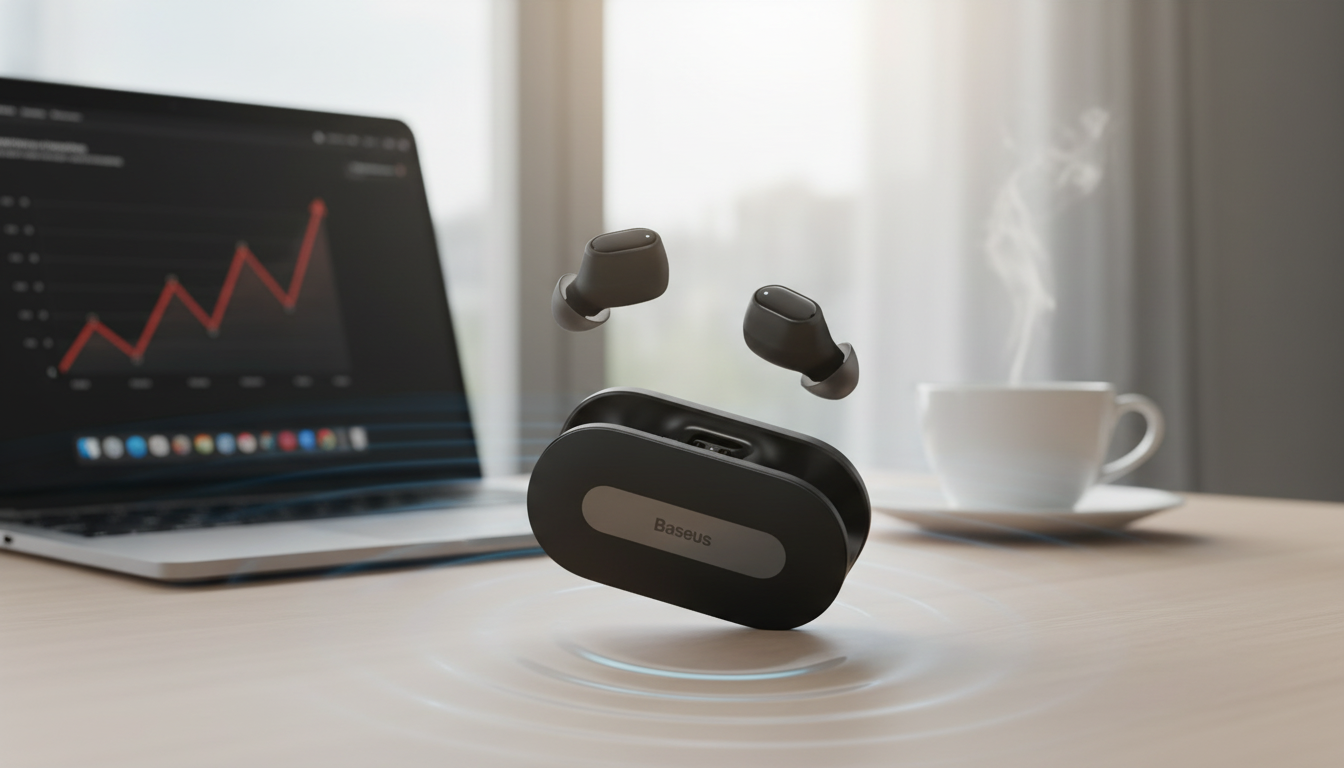
Fast-charging wireless earbuds with ultra-low latency are built for everyday listening plus smoother video and gaming sync. The goal is simple: reliable pairing, fewer dropouts, quick battery top-ups, and audio that feels better aligned with what’s happening on-screen. Bluetooth 5.3 helps on the efficiency and stability side, while a dedicated low-latency (often “game”) mode targets the delay that can make dialogue feel off or in-game sound cues feel late.
If you’re shopping in the budget-friendly range, it’s smart to focus on real-life checks—fit, battery habits, controls you can use while walking, and whether your phone, tablet, or PC plays nicely with the earbuds.
Modern earbuds tend to sound “good enough” for casual listening, but a few features can noticeably improve day-to-day use:
Ultra-low latency earbuds are especially useful when timing matters more than “audiophile” tuning.
Spec sheets can look similar across many earbuds, so it helps to verify a few items right away.
Confirm the earbuds support Bluetooth 5.3. They’ll still connect to older phones (Bluetooth is backward compatible), but you generally get the best stability and efficiency when the host device has a modern Bluetooth stack and updated software. For reference, see the official Bluetooth Core Specifications.
Look for a clear low-latency mode and learn how to toggle it. Some models use a button-press pattern; others use an app switch. After enabling the mode, test with your main game or video app to confirm the timing improvement is consistent.
Fast charging is most valuable when you can quickly confirm battery status. Case LEDs, voice prompts, or a phone battery widget can help you avoid leaving home with a half-charged setup. Use a reputable adapter and cable to keep charging stable.
Make sure play/pause, track skip, and call handling are easy to trigger without accidental touches during workouts or while walking. Overly sensitive touch panels can cause frustration—especially when adjusting an earbud seal.
| Feature | Why it matters | What to confirm |
|---|---|---|
| Bluetooth version | Stability and power efficiency | Earbuds support Bluetooth 5.3; device is reasonably up to date |
| Low-latency mode | Better timing for games/video | Clear toggle method; works on your main device |
| Charging behavior | Quick top-ups for daily use | Fast charging support; clear battery indicators |
| Controls | Less frustration on the go | Track/call controls are easy and consistent |
| Mic/calls | Clear meetings and calls | Voice pickup quality in quiet and moderate noise |
| Fit/seal | Better sound and comfort | Secure feel; compatible ear tips if included |
No—Bluetooth audio always has some delay. Low-latency modes can reduce it noticeably, but the result depends on your phone/PC, codec support, and the specific app; enabling the mode, restarting the app, and updating PC drivers can help.
Yes, Bluetooth is backward compatible, so older phones can connect. However, some stability and efficiency benefits depend on the host device and its software, so keeping your OS updated can improve results.
Common causes include earwax/debris in the mesh, poor charging contact in the case, audio balance settings, or a sync issue between earbuds. Clean the earbuds, ensure both charge fully, then reset/re-pair and check accessibility audio balance settings.












Leave a comment