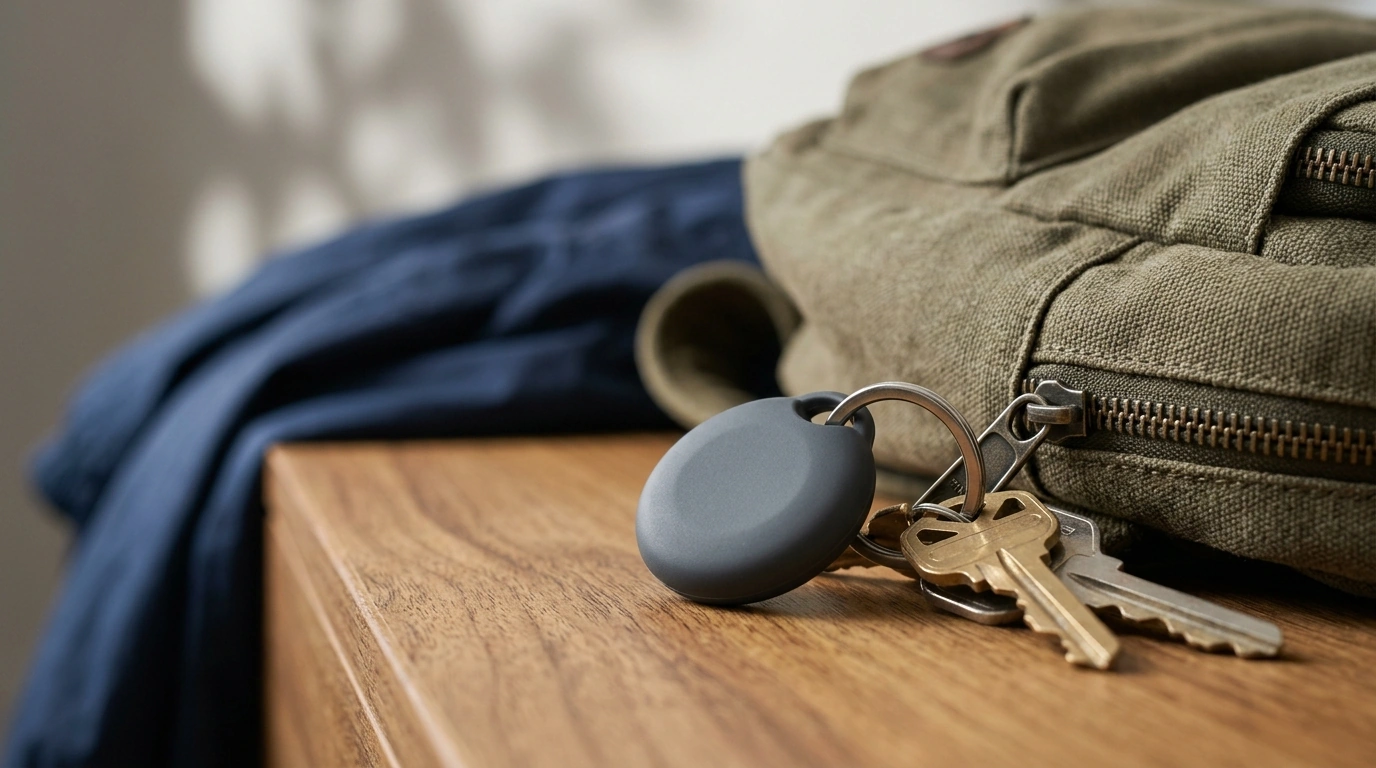
A protective keychain holder case helps keep an AirTag attached, shielded, and easy to find—without adding bulky weight to keys, bags, or pet gear. The right holder makes everyday carry simpler: it keeps your tracker mounted where it belongs, helps reduce cosmetic wear, and makes sound alerts easier to use when you’re trying to locate something fast.
For Apple’s official setup steps and basics, refer to Apple Support: Set up an AirTag or other item in Find My. If you want the technical details (including water resistance), Apple also lists them on AirTag — Technical Specifications.
An AirTag is small and smooth by design, which is great for slipping into a pocket—but not great for staying securely attached to an item that gets tossed around daily. A keychain holder case adds a purpose-built attachment point and a buffer between the AirTag and the rest of your carry.
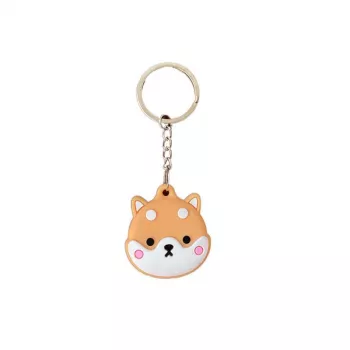
If you want a simple, lightweight option for everyday items, the Apple Airtag Protective Keychain Holder Case is an easy way to mount an AirTag to keys, bags, or travel gear without improvising with tape, pouches, or bulky add-ons.
Before you click “buy” (or before you install the AirTag into a new holder), it helps to run through a quick checklist. The goal is a secure fit that doesn’t introduce new problems—like snagging, rattling, or muffling sound alerts.
| Where it’s attached | What to prioritize | Setup tip |
|---|---|---|
| Keyring / car fob | Low bulk, secure ring | Put it on the same ring as the main key to reduce bending stress |
| Backpack / purse | Snag resistance, discreet placement | Clip it to an interior loop or zipper pull inside the bag |
| Luggage | Stronger attachment, abrasion resistance | Mount near a handle base or inside an ID pocket for less impact |
| Pet collar (if used) | Light weight, secure closure | Keep it tight to the collar to reduce swinging and noise |
A holder can look similar across listings, but small design choices change how it feels in daily use—especially if it lives in a pocket next to your phone, rubs against a leather strap, or takes hits from other keys.
For work bags and travel days, snag resistance is often the difference between “set it and forget it” and constant re-adjusting. If your AirTag will ride on a zipper pull, aim for a placement that tucks inward and doesn’t protrude beyond the bag’s silhouette.
Installation is usually quick, but taking an extra minute to confirm the AirTag is fully seated can prevent the most common issue: a loose closure that slowly works itself open over time.
If you keep your AirTag paired to an Apple laptop or iPad setup, a small desk accessory upgrade can also make daily work smoother. The Wireless Rechargeable Bluetooth 5.1 Mouse for Apple Devices is a convenient add-on for Apple-friendly workflows—especially if your tracked items include a laptop bag that’s always on the move.
Most holders won’t meaningfully affect tracking because AirTag location updates rely on Bluetooth and the Find My network. Extremely thick designs, lots of surrounding metal, or burying the tag deep inside padded compartments can reduce signal performance and make sound alerts harder to hear.
Yes—this is one of the most practical uses. For travel, attach it in a protected spot (like an interior loop or an ID pocket area) and confirm the ring or clip feels strong enough to handle repeated handling and snag risks.
Some designs can muffle the speaker more than others, and placement matters just as much as the case. After installation, trigger a sound alert once and adjust the location if it sounds too quiet—avoiding heavy padding can help.









Leave a comment