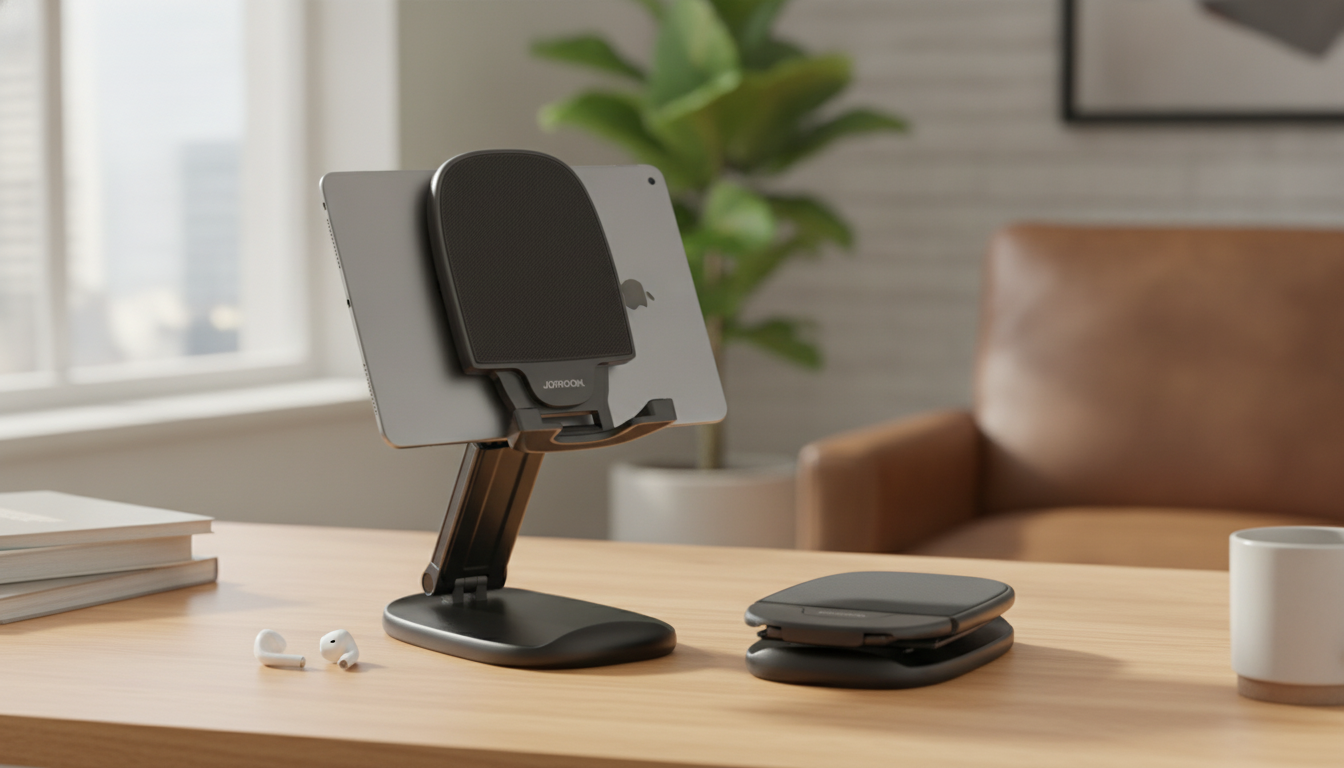
An adjustable, foldable stand can make iPhone and iPad time feel less cramped and more natural—whether it’s a quick FaceTime, a long reading session, or an iPad setup with a keyboard. By lifting the screen and letting you fine-tune the angle, a stand helps reduce the constant “chin-to-chest” posture that comes from using devices flat on a desk or counter. This guide walks through what a stand like this is designed to do, how to get a secure fit with cases and charging cables, and practical ways to use it at home, at work, or on the go.
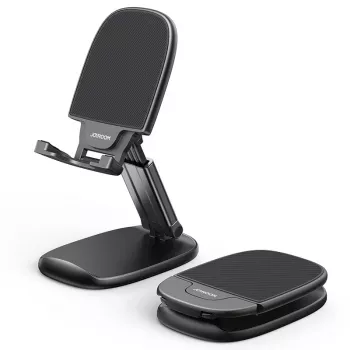
A good everyday stand isn’t just about holding a device upright—it’s about making touch interaction and long viewing sessions feel steadier and more comfortable. The Adjustable Foldable Phone & Tablet Stand for Apple Devices (4.7″-11″) is designed to support common Apple device sizes, while staying easy to move, store, and set up again in seconds.
Because it folds and adjusts quickly, a portable stand tends to get used in lots of “in-between” moments—when holding a phone feels tiring, or when an iPad needs to behave more like a small monitor.
This stand category is typically ideal for iPhones and many iPads that fall into the 4.7″–11″ range. Fit comes down to three everyday realities: device size, case thickness, and how you want to use the screen (portrait vs. landscape).
| Check | What to look for | Why it matters |
|---|---|---|
| Device size | Within 4.7″–11″ | Ensures proper support and balance |
| Case thickness | Fits in the cradle without wobble | Prevents slipping and accidental drops |
| Charging access | Space for Lightning/USB‑C cable | Allows charging while viewing or typing |
| Orientation | Stable in portrait and landscape | Improves comfort for different tasks |
| Tap stability | Doesn’t rock when scrolling | More usable for touch interaction |
Small angle changes can make a surprising difference in how your neck, shoulders, and wrists feel—especially when the device is used for longer than a few minutes. Ergonomic guidance for screen work generally emphasizes bringing the work up closer to eye level and keeping posture neutral; OSHA’s workstation recommendations are a helpful reference point for setup habits that reduce strain (OSHA Computer Workstations eTool).
For iPad owners exploring deeper multitasking features, Apple’s iPad User Guide can help you take advantage of split view, external accessories, and productivity settings (Apple Support — iPad User Guide).
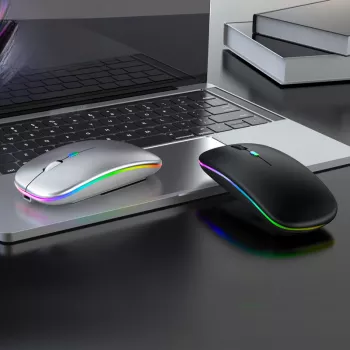
If you want a lightweight pointer option for iPadOS or Mac, consider pairing your setup with the Wireless Rechargeable Bluetooth 5.1 Mouse for Apple Devices for easier navigation and less screen tapping during longer sessions.
| Item | Price | Availability |
|---|---|---|
| Adjustable Foldable Phone & Tablet Stand for Apple Devices (4.7″–11″) | $15.67 | In stock |
| Wireless Rechargeable Bluetooth 5.1 Mouse for Apple Devices | $3.82 | In stock |
Most standard cases should fit without trouble, but very thick rugged cases can keep the device from sitting deeply in the cradle. After placing it on the stand, test stability with a few taps and scrolls to confirm there’s no wobble or shifting.
Yes, as long as the stand leaves the charging port accessible and the connector fits cleanly. Route the cable so it doesn’t push the phone/tablet upward or tug the device forward while you’re using it.
It can be, but stability depends on the surface grip, hinge angle, and how well the iPad is centered. For larger iPads, use a moderate tilt and test on a flat surface before relying on it for long sessions.











Leave a comment