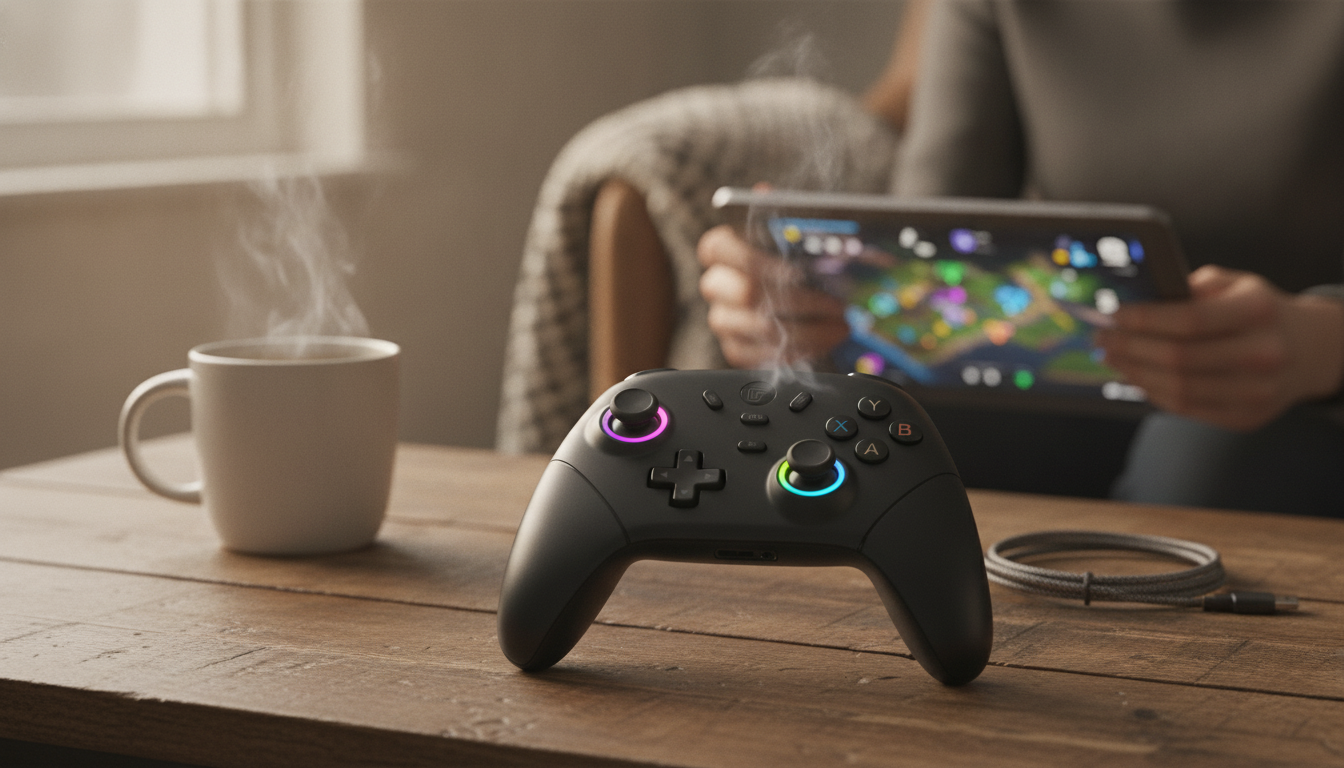
A wireless pro-style controller can make games feel smoother, more accurate, and more comfortable—especially during long sessions. The right mix of Hall effect joysticks, tuned vibration, and stable Bluetooth performance helps keep movement consistent from your first match to your hundredth. Below is a practical breakdown of what these features change, what settings matter most, and how to set up a controller so it stays reliable over time.
“Pro” is less about a logo and more about play consistency. A pro-style controller typically focuses on input stability, comfort, and features that help in games where small movements matter.
If you’re shopping for a budget-friendly upgrade with premium-leaning features, the Wireless Bluetooth Pro Game Controller with Hall Effect Joysticks & Vibration is built around those core “pro” priorities: consistent sticks, wireless convenience, and feedback that can be tuned to your style.
Hall effect sensing measures changes in a magnetic field rather than relying on a physical resistive track making contact as the stick moves. In everyday terms: fewer friction-based wear points at the sensor can mean more consistent readings over time.
| Feature | Hall effect joysticks | Traditional potentiometer joysticks |
|---|---|---|
| Sensing method | Magnetic field detection | Physical resistive track contact |
| Wear over time | Lower contact wear at the sensing point | Contact wear can increase drift risk |
| Typical feel goal | Stable center + smooth small movements | Varies; can degrade as parts wear |
| Maintenance focus | Calibration/dead zones and clean exterior | Calibration + more sensitivity to internal wear |
| Who benefits most | Competitive/precision players and heavy users | Casual users or those prioritizing lowest cost |
Vibration can improve immersion, but it’s also a variable you can tune for performance and comfort.
For deeper technical references, see the Bluetooth Core Specification and the MDN Gamepad API documentation for how game controllers can be read by browsers and apps.
| Step | What to do | Why it matters |
|---|---|---|
| 1. Power | Charge/insert batteries as applicable | Prevents dropouts and pairing failures |
| 2. Pair | Enable pairing mode, connect in Bluetooth settings | Establishes a stable device profile |
| 3. Test inputs | Use a controller tester or training mode | Catches drift or mapping issues early |
| 4. Dead zone | Set low dead zone, increase only if needed | Improves fine aim and camera control |
| 5. Vibration | Start medium; lower for competitive play | Balances feedback with control and battery life |
If you suspect interference near a PC setup, USB 3.0 devices can contribute noise in the 2.4 GHz band in some environments; see Intel’s reference on USB 3.0 radio frequency interference on 2.4 GHz devices.
No. Hall effect sensing can reduce wear-related drift risk, but dead zone settings, calibration, debris, and software behavior can still create drift-like symptoms. If it happens, adjust dead zones slightly and run calibration (if available) before treating it as a hardware failure.
Lower vibration intensity or turn it off for ranked and aim-heavy play to keep your hands steadier. Use medium vibration for casual or single-player sessions, since higher intensity can also increase fatigue and battery drain.
Start by charging fully, then reduce distance and remove obstacles between controller and device. If issues persist, remove the pairing and re-pair, limit other active Bluetooth devices, move away from crowded Wi‑Fi/USB 3.0 interference zones, and confirm your OS/game is updated.










Leave a comment